
Luckyones Login Guide for New Zealand Players
If you are a player from New Zealand and want to get started quickly, this guide will help you sign in, troubleshoot common issues, and understand the basics of accessing your Luckyones account safely.
How to Log In
- Open the official Luckyones website in your browser.
- Click the Login button, usually found at the top of the homepage.
- Enter your registered email address or username.
- Type your password carefully.
- Press Sign In to access your account.
New Account Setup
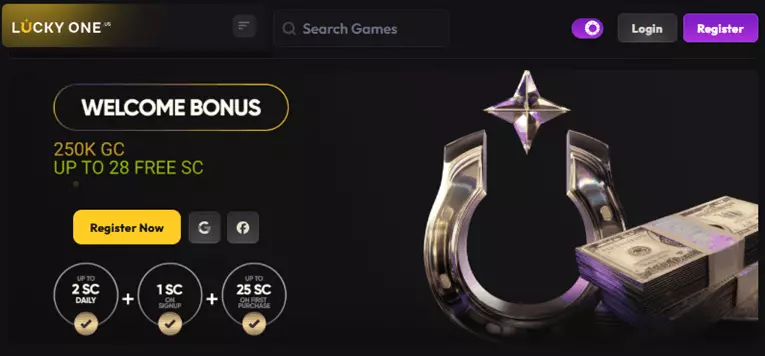
If you do not yet have an account, you will need to register first. Typically, this involves:
- Providing your email address
- Creating a secure password
- Confirming your age and eligibility
- Accepting the platform terms and conditions
Login Tips for New Zealand Players
- Use a strong and unique password.
- Make sure you are on the correct official site.
- Check your internet connection if the page does not load.
- Clear your browser cache if you experience repeated login errors.
- Use a trusted device whenever possible.
Common Login Problems
Some players may face issues such as forgotten passwords, incorrect credentials, or verification delays. If this happens, try the following:
- Use the Forgot Password option to reset access.
- Double-check your email and password for typos.
- Try another browser or device.
- Contact customer support if the issue continues.
Security Advice
To keep your account safe, never share your login details with anyone. Enable any available security features, and always log out after using a shared computer.
Access Luckyones safely and enjoy a smooth login experience by following these simple steps.
Share:
